salons PDF conversion for Salons & Spas

Convert Salons & Spas PDFs with PDF Conversion

Start salons PDF conversion by uploading your salon waivers, consent PDFs, or intake forms. This PDF conversion flow turns them into editable online forms that are easier to share, sign, and manage.

No account required Keep original layout

Upload your PDF

Drag and drop your file here, or click to browse.

Select File

PDF only. Max file size 10MB. Encrypted PDFs are not supported.
How salons PDF conversion works

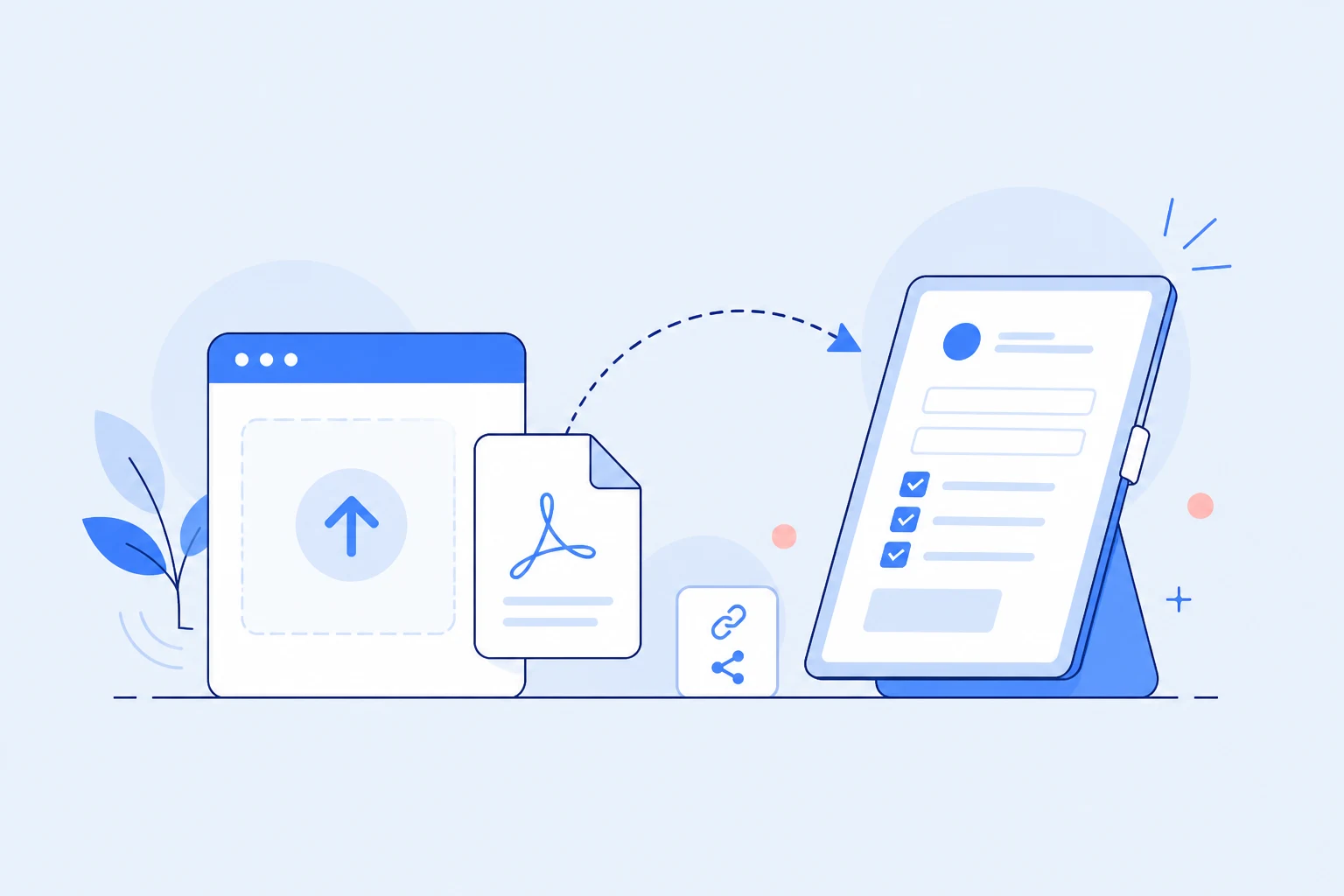
Upload an existing salon waivers PDF and turn it into a form your clients can complete on any device.

  1. 1Upload your PDF

    Upload your PDF

    Upload your salon consent PDF, spa intake form, treatment waiver, or beauty service agreement.
  2. 2Review the online form

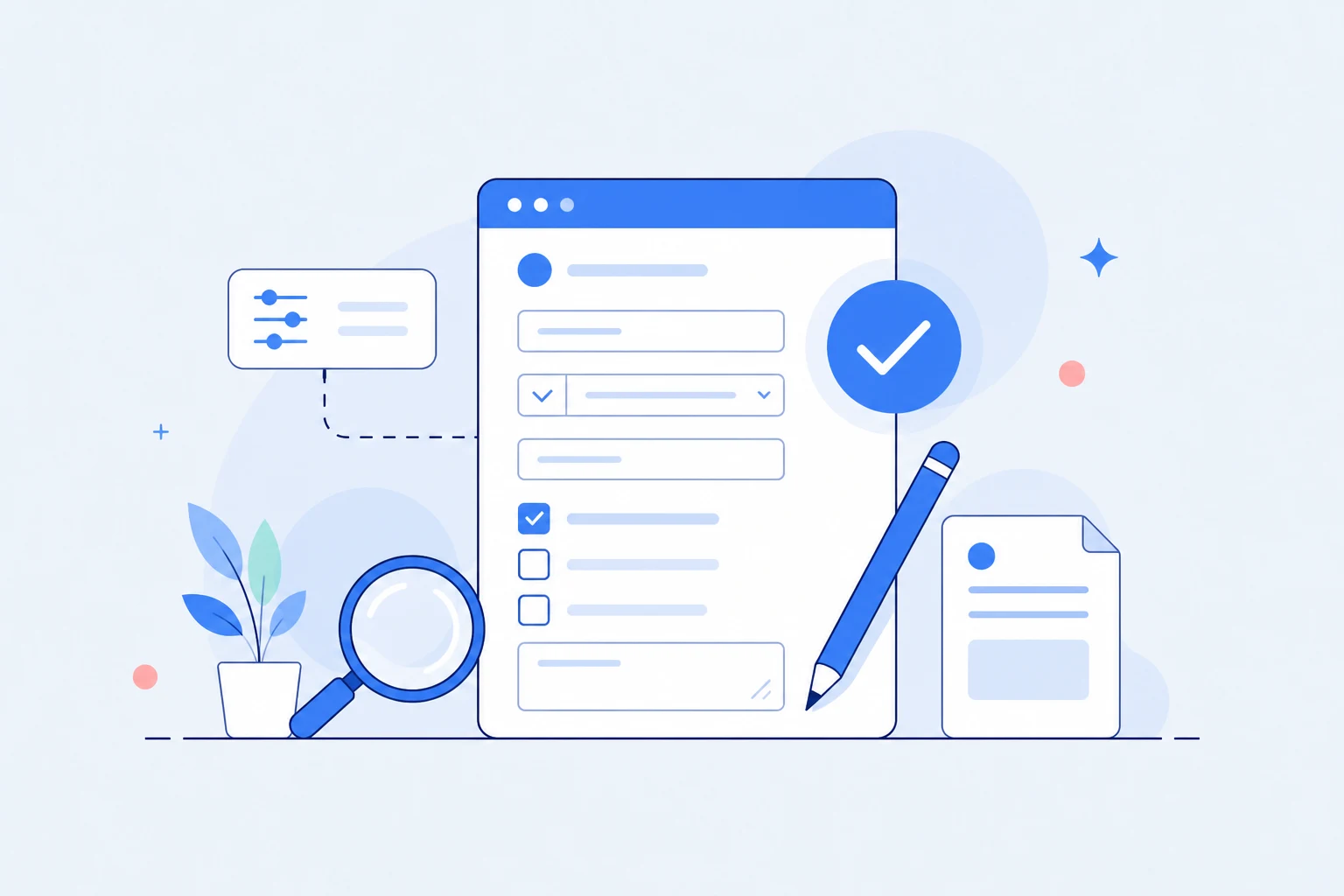
    Review the online form

    WaiverForever converts your document into an editable online form with fields for client contact details, allergy disclosure, service consent, and signatures.

  3. 3Share and collect signatures

    Share and collect signatures

    Send the form by link or QR code, let clients sign on any device, and keep signed records in your account.

Review and customize your salon waivers form

The converted form is not a flat document. Adjust fields, wording, and required information before you publish it.

Client information fields

Confirm fields for client contact details.

Consent and acknowledgment text

Edit clauses, instructions, and acknowledgment language before collecting signatures.

Required fields

Mark key inputs as required so clients cannot submit incomplete forms.

Signature and date blocks

Place digital signature, initials, and date fields where your workflow needs them.

Checkboxes and options

Add checkboxes for allergy disclosure or service consent.

Share, sign, and store after conversion

PDF conversion is the first step. WaiverForever also supports the signing and record workflow that comes after it.

Share by link

Send a signing link before appointments, events, or check-in.

Use QR codes

Let walk-in clients open the converted form from a phone camera.

Run an iPad kiosk

Collect signatures on site from a shared tablet.

Store signed records

Keep completed waivers organized with timestamps and signer details.

Search later

Find signed records without digging through folders or paper files.

Download signed PDFs

Export finished documents when your team needs a PDF copy.

Convert a PDF or create a new form

Choose the path that matches your starting point: upload an existing PDF or generate a new online waiver from scratch.

Already have a PDF?

Upload it here and convert it into an online form.

Convert PDF

Need to create a new form from scratch?

Use our free salons & spas waiver generator.

Open generator

salons PDF conversion benefits

Use salons PDF conversion to keep the original structure of your salon waivers while making signing faster for staff and customers in salons & spas.

Treatment Consent Forms

Detailed consent forms for chemical treatments, hair coloring, waxing, and skin procedures.

Allergy & Sensitivity Screening

Screen clients for allergies and sensitivities before treatments to prevent reactions.

Service-Specific Clauses

Customize waivers for different services—hair, nails, massage, facials, and more.

Aftercare Acknowledgment

Include aftercare instructions that clients must acknowledge for post-treatment care.

Client Intake Integration

Combine waiver signing with client intake for a seamless first-visit experience.

Faster than print/sign/scan/email

Save time for both your business and your customers.

Explore related industries

Reuse the same PDF conversion workflow across other businesses similar to salons & spas, or compare it with salons PDF conversion for your current forms.

Frequently Asked Questions

How do I convert a PDF to an online form?
Simply upload your PDF using our tool above. Our system automatically extracts form fields and generates a mobile-ready interactive form.
Can I keep my original PDF layout?
Yes. While the online form is optimized for screens, the final signed document will perfectly match your original PDF layout.
Can people sign the form online?
Absolutely. All converted forms include a secure digital signature block that works flawlessly on smartphones, tablets, and computers.
Can I use salons PDF conversion for an online form?
Yes. Upload your existing salons & spas PDF and WaiverForever will convert it into an editable online form. The PDF conversion result can be reviewed before publishing.
Will salons PDF conversion keep my original layout?
Yes. The online experience is optimized for screens, while completed documents still preserve the structure of your original salon waivers after PDF conversion.
Can clients sign salons & spas forms on their phones?
Absolutely. salons PDF conversion creates mobile-friendly forms, so customers can complete and sign them from phones, tablets, or desktop browsers.
Can I edit fields after PDF conversion?
Yes. After salons PDF conversion, you can review generated fields, adjust wording, and fine-tune the final online form before collecting signatures.
capterra